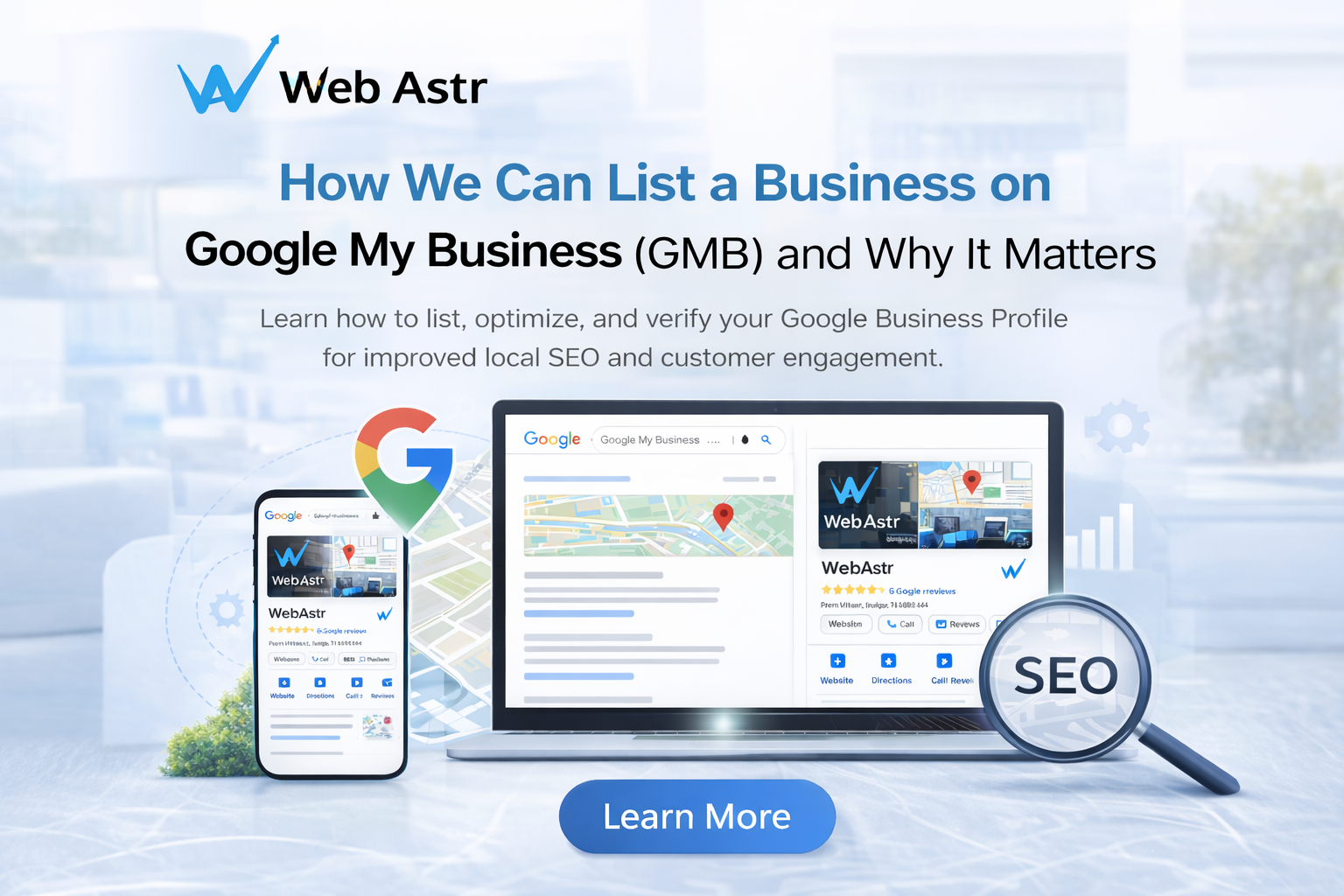
If you want customers to find your business on Google Search and Google Maps, creating and maintaining a Google Business Profile is an important first step.
Google Business Profile, formerly known as Google My Business (GMB), allows eligible businesses to manage how their business information appears across Google. Customers can use your profile to find important information such as your business name, services, hours, website, phone number, location, photos, and reviews.
In this guide, you'll learn how to list your business on Google, claim an existing profile, complete verification, optimize your business information, and avoid common mistakes that can hurt your local visibility.
What Is Google Business Profile?
Google Business Profile is a free Google service that allows eligible businesses to manage their presence on Google Search and Google Maps.
A complete and accurate profile can help potential customers understand what your business offers and how they can contact or visit you.
Google Business Profile is especially useful for local businesses, service-area businesses, stores, restaurants, professional services, and other businesses that serve customers in specific locations.
How to List Your Business on Google
If your business does not already have a profile, you can create one through Google's Business Profile system.
1. Sign in to Google
Sign in with the Google account you want to use to manage your business profile.
Use an account that your business can reliably access in the future.
2. Find or create your business profile
Search for your business on Google.
If a profile already exists, you may be able to claim it. If your business does not have a profile, follow Google's process to create one.
Before creating a new profile, check carefully to make sure another profile for the same business does not already exist.
3. Enter your business information
Provide accurate information about your business, including:
-
Business name
-
Primary business category
-
Address or service area
-
Phone number
-
Website
-
Business hours
-
Services
Your information should accurately represent the real business.
4. Choose the right business category
Your primary category helps Google understand what your business does.
Choose the category that most accurately represents your main business. Avoid selecting categories simply because they contain keywords you want to rank for.
You can add additional relevant categories when appropriate.
5. Add your address or service area
Businesses that serve customers at a physical location can provide their eligible business address.
Service-area businesses can configure the areas they serve where applicable.
Use accurate information and follow Google's eligibility requirements rather than creating locations that do not represent your actual business.
6. Add your contact information
Add an accurate phone number and website URL so potential customers can contact you or learn more about your business.
Keep this information consistent and up to date.
7. Complete verification
Google may require verification before you can fully manage certain aspects of your Business Profile.
The available verification method depends on the business and Google's requirements. Follow the verification instructions shown in your Google Business Profile.
How to Claim an Existing Google Business Profile
Sometimes a business already appears on Google even though the owner did not create the profile.
If you find an existing profile for your business, check whether you can claim or request access to it rather than creating another profile.
Claiming the correct existing profile can help you manage business information, respond to reviews, add updates, and keep important details accurate.
Avoid creating duplicate profiles for the same eligible business.
How to Optimize Your Google Business Profile
Creating a profile is only the beginning. Keep your business information accurate and useful for customers.
Complete Your Business Information
Fill out the relevant sections of your profile with accurate information.
Pay particular attention to:
-
Business category
-
Hours
-
Phone number
-
Website
-
Services
-
Business description
-
Address or service area
Don't add information simply to make the profile look more complete. Accuracy should come first.
Add Relevant Services
List the services your business actually provides.
Use clear service names that customers can understand. Avoid adding unrelated services or repeating keywords unnaturally.
Add High-Quality Photos
Use genuine, useful photos that represent your business.
Depending on your business, these may include:
-
Exterior photos
-
Interior photos
-
Products
-
Services
-
Team members
-
Work examples
Keep images current and relevant.
Keep Your Business Hours Updated
Make sure your regular hours and applicable special hours are accurate.
Incorrect opening hours can create a poor customer experience and may cause potential customers to lose trust in your business.
Manage Customer Reviews
Monitor customer reviews and respond appropriately.
Thank customers for positive feedback and respond professionally to legitimate concerns.
Never create fake reviews or manipulate reviews to make your business appear more popular.
How to Use Keywords Naturally
You don't need to repeat keywords throughout your Business Profile.
Instead, describe your business, services, and customers naturally.
For example, a local web design company could explain what it does and where it serves customers without repeatedly inserting phrases such as "best web design company" into every section.
Focus on clear information that helps customers understand your business.
Avoid keyword stuffing, misleading business names, or adding unrelated keywords to profile fields.
How to Deal With Duplicate Business Profiles
Duplicate profiles can create confusion for customers and make it harder to manage your business information.
If you discover multiple profiles representing the same eligible business, don't simply create another profile.
Identify the correct profile and follow Google's available processes for managing, reporting, or resolving duplicate profiles.
Keep your business information accurate and consistent.
How to Report a Google Business Profile Problem
You may encounter incorrect information, duplicate profiles, misleading information, or other issues involving business profiles.
If you find a problem, use Google's appropriate reporting or support process.
For example, businesses may need to report information that is clearly incorrect or a profile that violates Google's guidelines.
Always provide accurate information when submitting a report.
Common Google Business Profile Mistakes
Avoid these common mistakes:
-
Creating duplicate profiles
-
Using an inaccurate business name
-
Choosing an unrelated primary category
-
Adding fake business locations
-
Using misleading information
-
Keyword stuffing
-
Leaving important information outdated
-
Ignoring customer reviews
-
Using low-quality or misleading photos
-
Creating profiles for businesses that are not eligible
Your profile should represent your real business accurately.
Why Google Business Profile Matters for Local Businesses
A Google Business Profile can help potential customers discover information about your business when they search on Google or use Google Maps.
A useful profile can make it easier for customers to:
-
Find your business
-
Understand your services
-
Check your hours
-
Visit your website
-
Call your business
-
Get directions
-
Read customer reviews
However, having a Business Profile does not guarantee a specific ranking position in Google's local results.
Your local visibility can depend on several factors, including relevance, distance, prominence, competition, and the quality and accuracy of your business information.
