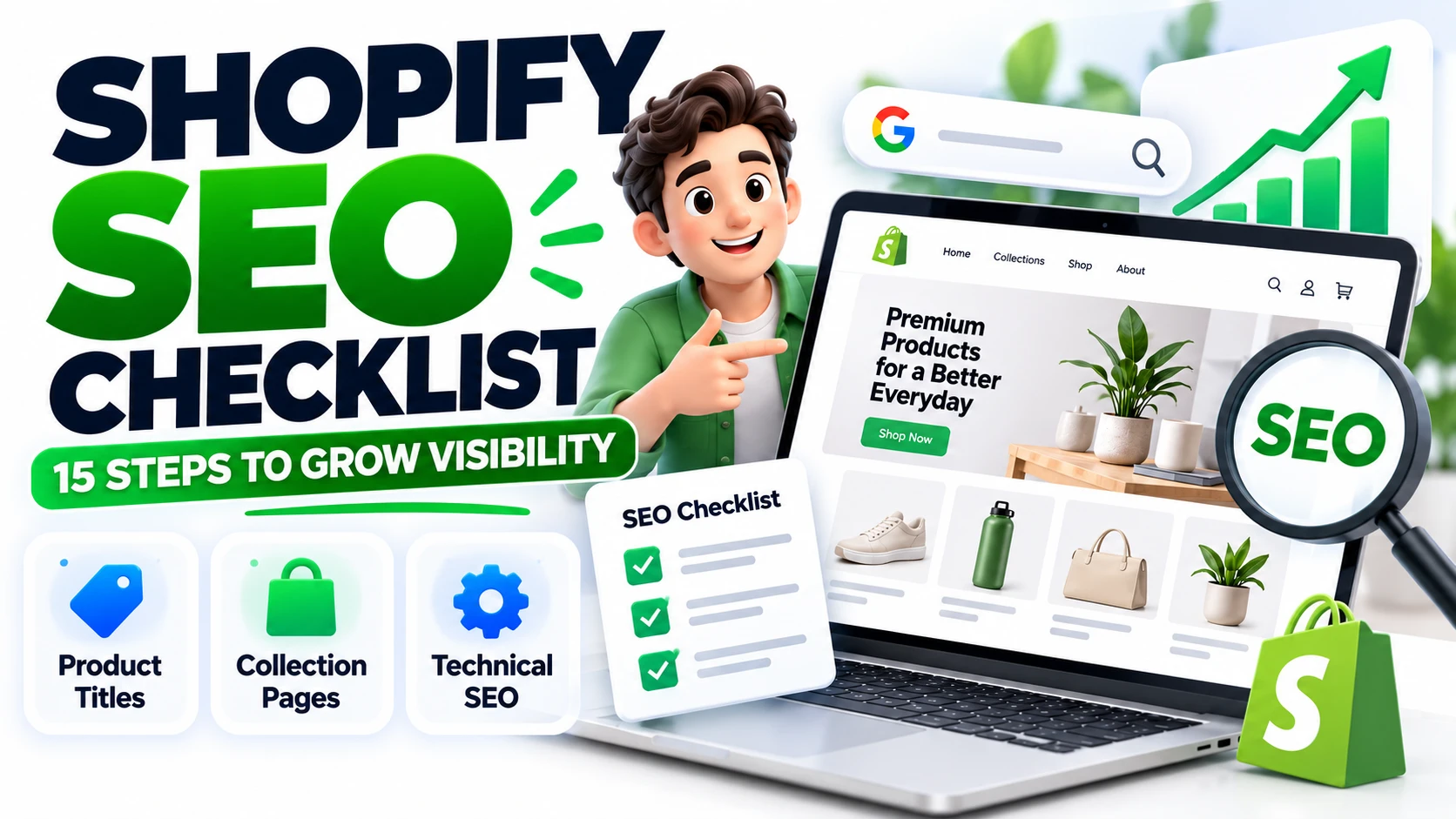
Your Shopify store may have excellent products and attractive designs, but are potential customers finding it on Google?
Without a clear SEO strategy, your products can struggle to reach shoppers searching for what you sell. The right improvements can help your store become easier to discover and create more opportunities for sales.
This Shopify SEO checklist covers 15 practical steps to improve your store's search visibility, strengthen product pages and attract relevant visitors.
1. Optimize Your Shopify Homepage
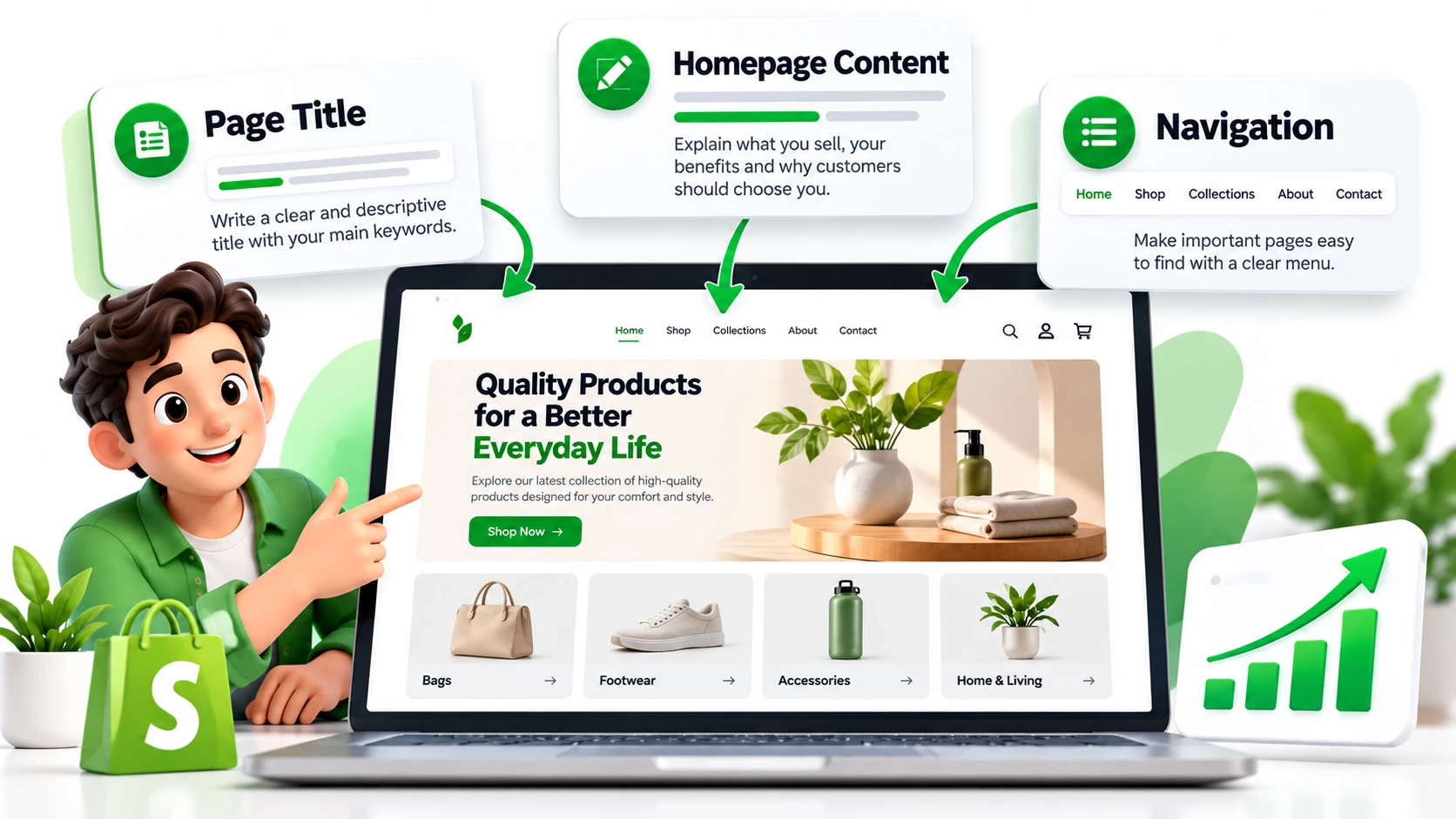
Effective Shopify homepage SEO starts with explaining what your store sells and why customers should consider buying from you.
Steps 1 to 3: Homepage Optimization
1. Write a descriptive page title. Include your main product category naturally.
2. Improve your homepage content. Clearly explain your products, target customers and main benefits.
3. Organize navigation and internal links. Make important collections, products and contact information easy to find.
Avoid keyword stuffing. Prioritize helpful content and a clear shopping experience.
2. Improve Shopify Product Page SEO
Product pages can attract customers searching for specific products, features, sizes and uses.
Steps 4 to 7: Product Optimization
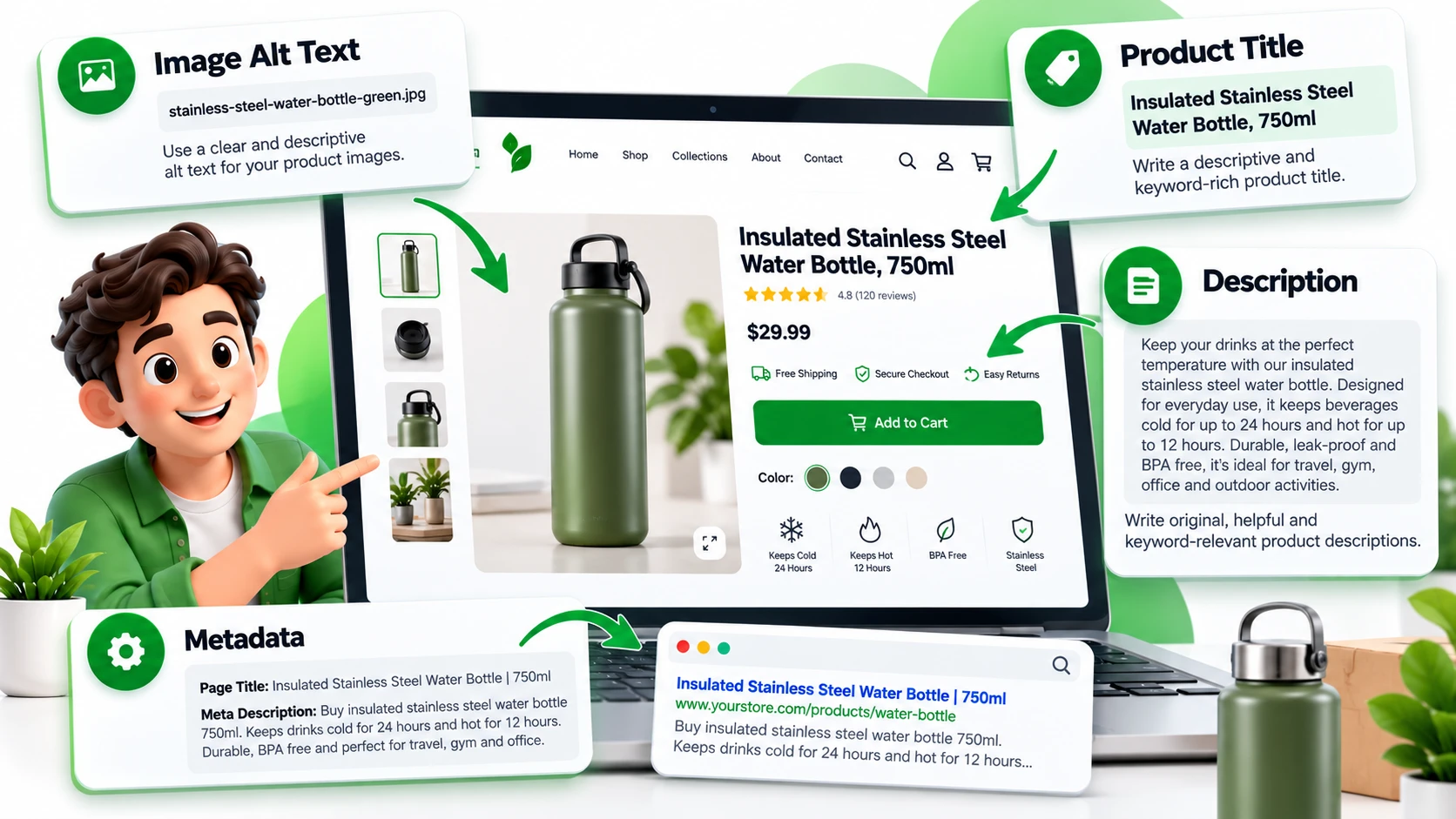
4. Optimize product titles. Effective Shopify product title SEO means using descriptive names that explain what the product is.
For example, replace “Premium Bottle” with “Insulated Stainless Steel Water Bottle, 750ml” when that accurately describes the product.
5. Write original product descriptions. Explain features, materials, dimensions, benefits and practical uses.
6. Optimize product images. Use descriptive filenames, relevant alt text and appropriately sized images.
7. Review metadata and URLs. Write unique page titles and meta descriptions, and keep URLs clear and descriptive.
3. Optimize Collection Pages and Website Structure
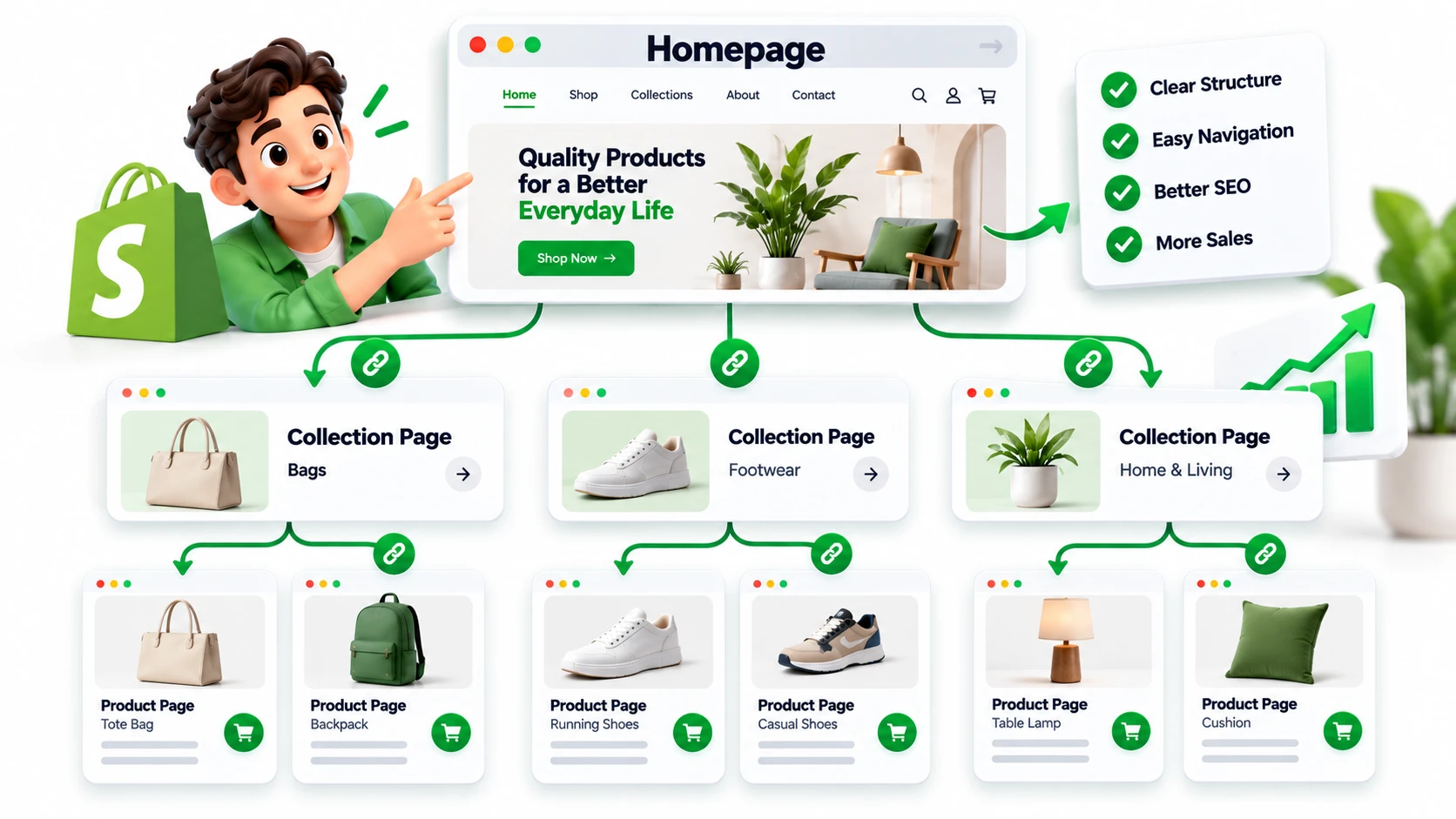
Collections help customers browse products and can target broader search queries.
Steps 8 to 10: Collection Optimization
8. Improve collection descriptions. Add useful content that explains the products and helps shoppers choose.
9. Create logical categories. Organize products into relevant collections without creating unnecessary duplicates.
10. Add relevant internal links. Connect related products, collections and helpful blog articles where those links benefit shoppers.
For ecommerce businesses competing in Australia, location-specific expertise can also be valuable. Businesses targeting Melbourne can explore Webastr's SEO services in Melbourne to learn about its broader SEO offering.
4. Complete Your Shopify Technical SEO Checklist
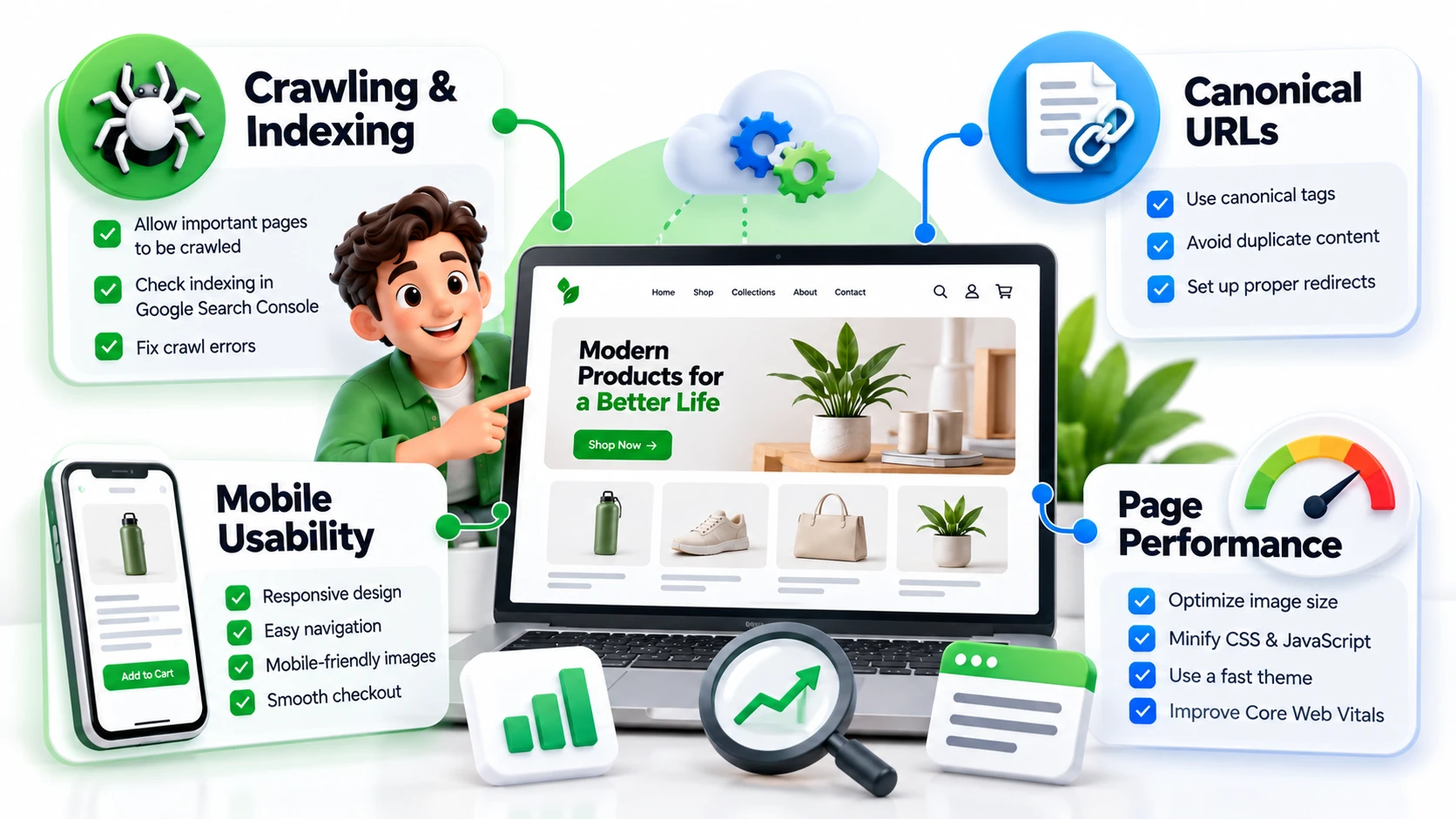
Technical problems can make important pages harder to discover or create a poor shopping experience.
Steps 11 to 13: Technical SEO
11. Check crawling and indexing. Use Google Search Console to investigate whether important product and collection pages are indexed.
12. Review duplicate URLs and redirects. Check canonicalization and use appropriate redirects when changing URLs.
13. Improve mobile usability and performance. Review loading speed, navigation, images, buttons and forms on mobile devices.
Shopify provides built-in SEO features, including automatically generated sitemaps and canonical tags. However, your content, navigation and website settings still need attention.
For more complex technical issues, technical SEO services can help identify problems and prioritize improvements.
5. Monitor Performance and Keep Improving
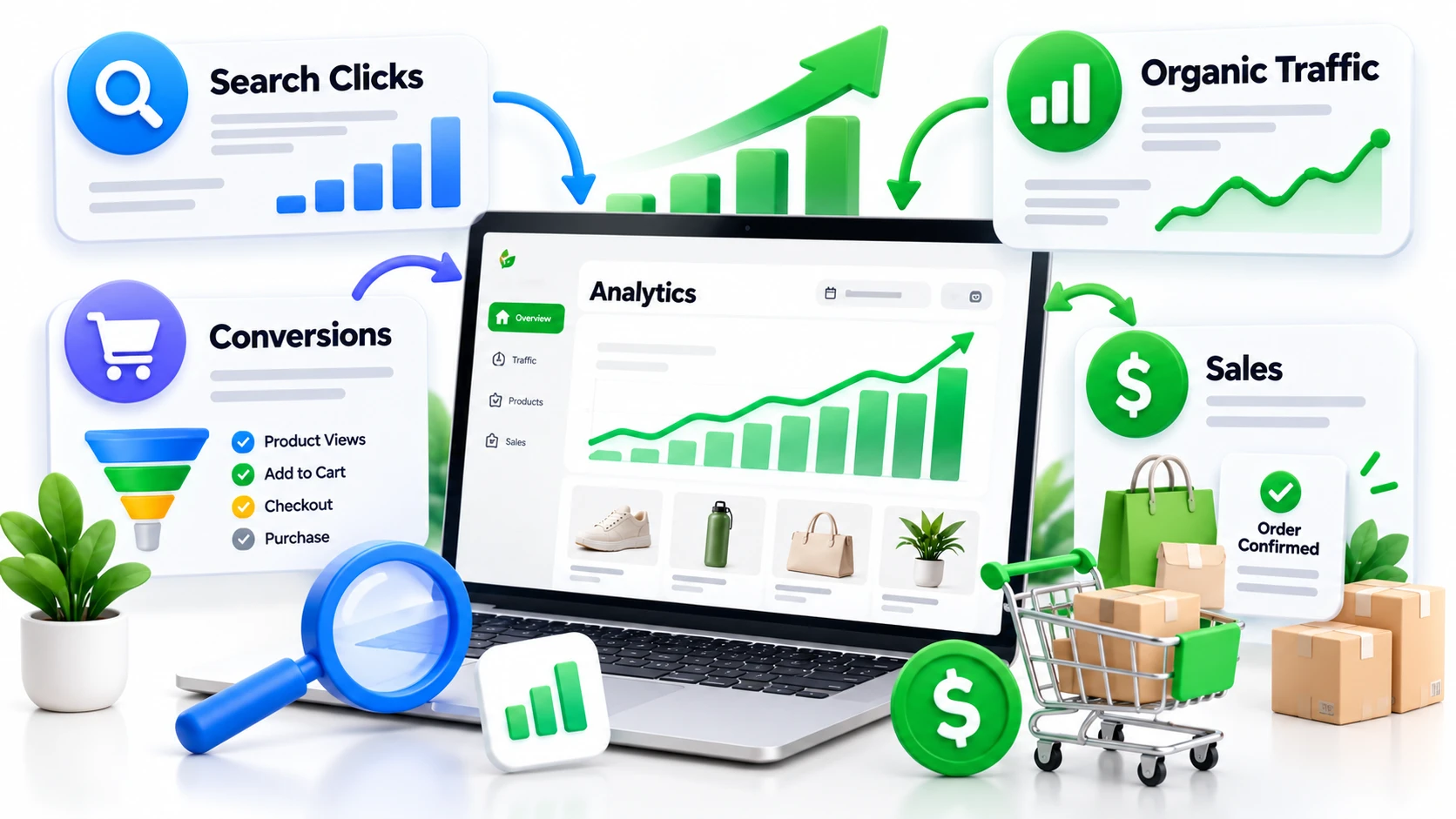
SEO requires ongoing measurement rather than a one-time checklist.
Steps 14 and 15: Tracking and Improvement
14. Review Google Search Console. Monitor impressions, clicks, queries and indexing issues to identify opportunities.
15. Measure organic traffic and sales. Use analytics to understand whether organic visitors view products, add items to their carts and complete purchases.
Focus on business outcomes, not rankings alone. Relevant visitors and completed orders are more valuable than traffic that never converts.
6. Common Shopify SEO Mistakes to Avoid
Watch out for these common problems:
Reusing identical product descriptions across multiple products.
Stuffing keywords into product titles.
Ignoring collection pages.
Publishing unnecessary duplicate pages.
Uploading oversized images.
Changing URLs without appropriate redirects.
Measuring traffic without checking conversions.
Fixing these issues can make your store easier to navigate and maintain.
7. When Should You Hire Shopify SEO Services?
Managing SEO yourself may work for a small store when you have enough time and knowledge. However, a growing product catalogue, technical problems or strong competition can make optimization more complicated.
Professional Shopify SEO services may include keyword research, technical audits, product and collection optimization, internal linking and performance reporting.
When evaluating an SEO expert for Shopify, review their ecommerce experience, reporting process and proposed strategy. A Shopify SEO freelancer may suit a smaller project, while a team may be more appropriate for ongoing work across multiple areas.
Businesses targeting Brisbane can explore Webastr's SEO services in Brisbane to review its broader SEO offering and consider whether it fits their requirements.
Choose a provider who understands your goals, explains their deliverables clearly and avoids guaranteeing rankings or sales.
8. Get More Value From Your Shopify Store
Your Shopify store needs more than attractive product pages to compete in organic search. It needs clear structure, useful content, accessible pages and regular performance reviews.
Start with this 15-step Shopify SEO checklist, prioritize issues affecting your most important pages and measure whether your improvements contribute to business growth.
Need help identifying SEO opportunities in your store?
Webastr helps businesses improve website visibility through SEO strategy and technical optimization. Visit the Webastr contact page to discuss your store's requirements and potential next steps.