You don't need a huge marketing budget to improve your website's visibility on Google.
What you need is the right order of priorities.
Many small businesses spend money on expensive SEO tools, create lots of content, or target highly competitive keywords before fixing the basics. That can quickly consume a limited budget without producing meaningful results.
A smarter approach is to identify the biggest opportunities, fix the fundamentals, measure what changes, and then decide where to invest next.
1. Why Small Businesses Struggle With SEO
 SEO can feel complicated when you're running a business and handling everything from customers to sales.
The problem isn't always a lack of effort. Often, businesses simply don't know which SEO tasks deserve attention first.
Common challenges include:
Limited marketing budgets
Strong local competition
Lack of SEO knowledge
Too many tools and recommendations
Targeting keywords that are too competitive
Creating content without a clear strategy
Focusing on traffic instead of business results
You don't have to solve everything at once.
Start with the improvements that can make the biggest difference.
2. What You Can Improve Before Spending Money
Before buying an SEO platform or hiring outside help, look at what you can improve on your existing website.
Start with:
Clear page titles and headings
Useful and relevant content
Easy website navigation
Strong internal linking
Mobile-friendly pages
Updated service or product information
Accurate local business information
Also check whether your important pages can be discovered and indexed by search engines.
These basic improvements can uncover problems that don't require a large budget to fix.
3. The 7 SEO Issues to Check First
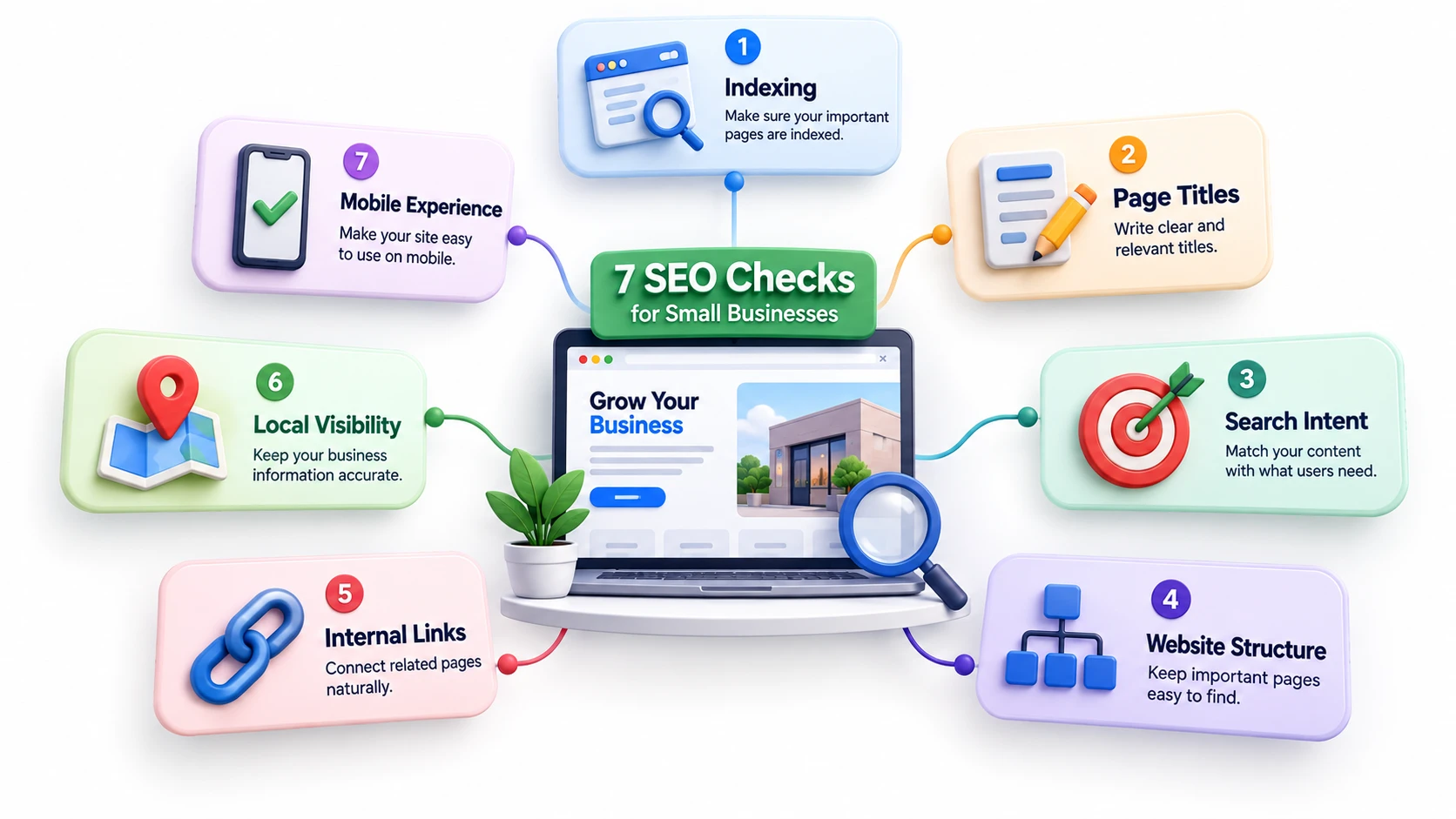
1. Indexing
Make sure important pages can be discovered and indexed by search engines.
Google Search Console can help you identify indexing issues and understand which pages are appearing in search.
2. Page Titles and Descriptions
Your page title should clearly explain what the page is about.
Avoid filling titles with multiple variations of the same keyword. Write for the person who will see the result in search.
3. Search Intent
Think about what customers actually want when they search.
Someone searching for “SEO services for small business” has a different goal from someone searching “how does SEO work?”
Your page should satisfy the purpose behind the search.
4. Website Structure
Important pages shouldn't be buried several clicks deep.
Make it easy for visitors to move between your homepage, services, products, useful content and contact page.
5. Internal Links
Internal links connect related pages and help visitors discover useful information.
For example, a helpful article can naturally guide a reader toward a relevant service page.
If you're dealing with broader ranking problems, see our guide on Why Your Website Isn’t Ranking on Google for a deeper look at common SEO issues.
6. Local Visibility
If you serve customers in a specific area, review your local presence.
Make sure your business information, services, location details, opening hours and other important information are accurate.
7. Mobile Experience
Your website should be easy to use on smaller screens.
Check menus, buttons, forms, images, text size and page loading on mobile devices.
4. Where Small Businesses Waste Their SEO Budget
A small SEO budget can disappear quickly when it's spent without a clear strategy.
Common mistakes include:
Buying tools you rarely use
Publishing large amounts of low-quality content
Chasing highly competitive keywords too early
Paying for poor-quality backlinks
Focusing only on website traffic
Paying for services without clear goals or measurement
Before spending money, ask:
What problem am I trying to solve?
If you don't know the answer, spending more probably won't solve the underlying issue.
5. Free SEO Tools Worth Using
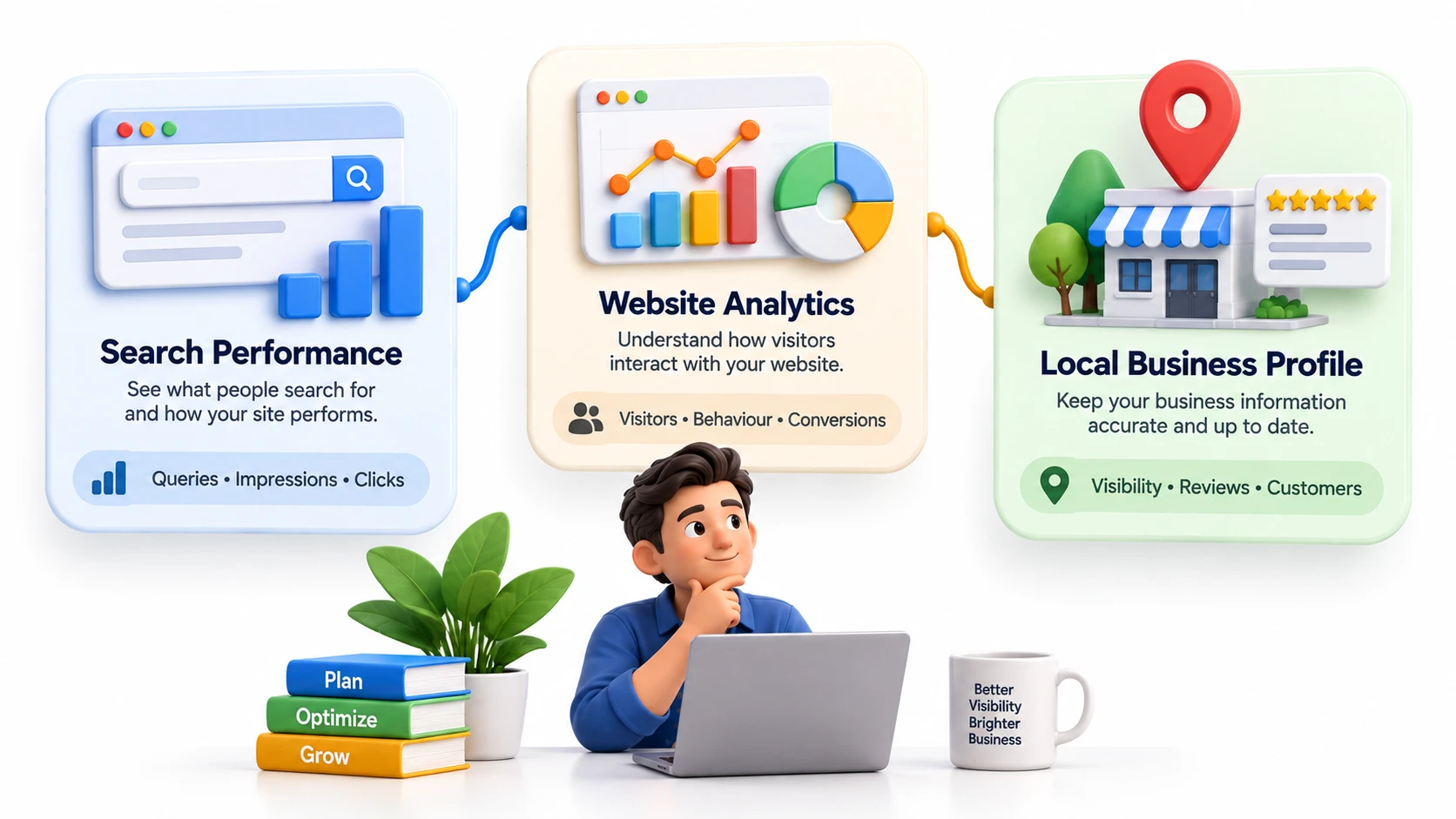
You can learn a lot about your website without immediately paying for an expensive SEO platform.
Google Search Console
Use it to understand search queries, impressions, clicks and the pages receiving visibility in Google Search.
Google Analytics
Use analytics data to understand how visitors interact with your website and whether your traffic is contributing to meaningful actions.
Google Business Profile
For local businesses, keep your profile accurate and up to date with the correct business information, services, hours and other relevant details.
6. When Paid SEO Tools Actually Make Sense
Paid SEO tools can become useful as your SEO work grows.
They may help with:
Keyword research
Competitor analysis
Rank tracking
Backlink research
Technical audits
Content planning
Local search tracking
But don't buy a tool simply because other businesses use it.
Choose it because it solves a specific problem you actually have.
For a small website, a few reliable free tools may be enough to identify your next priorities.
7. What to Fix First: A Simple Priority Checklist
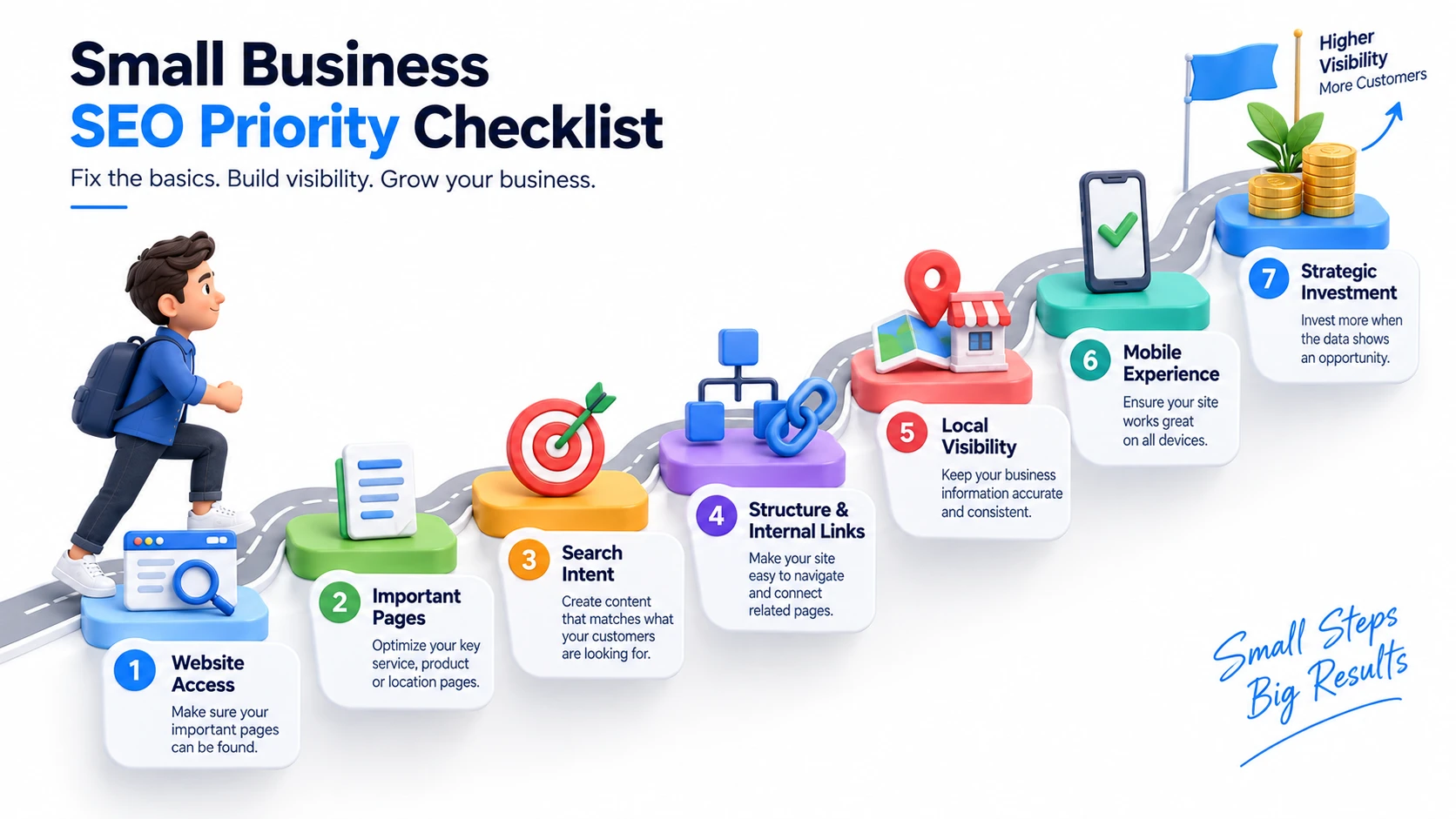 When your budget is limited, follow this order:
1. Check indexing and accessibility
Make sure important pages can be discovered.
2. Improve important pages
Start with services, products and location pages that can generate business.
3. Review search intent
Make sure your pages answer what potential customers are actually looking for.
4. Improve website structure and internal links
Help users and search engines discover important pages.
5. Strengthen local visibility
Prioritize this if your business depends on local customers.
6. Improve mobile experience
Make your website easy to use on phones.
7. Invest where the data shows an opportunity
Only increase your SEO spending when you know what needs improvement.
8. DIY SEO vs Professional SEO Help
Basic SEO can be handled internally when you have the time and knowledge.
Professional help becomes more useful when SEO problems are difficult to diagnose, your website is growing, competitors are gaining visibility, or you don't have enough time to manage SEO consistently.
The decision shouldn't simply be based on company size.
Consider complexity, available time, competition and potential business value.
9. How to Know When Your SEO Needs Professional Attention
Professional SEO support may make sense when:
You can't determine why visibility isn't improving.
Technical issues keep appearing.
Multiple pages compete for similar searches.
You need a structured SEO strategy.
Your competitors consistently outperform you.
You don't have time to maintain SEO.
Organic search is becoming an important source of leads.
At this stage, professional SEO services can help turn individual fixes into a structured growth strategy.
10. Final SEO Budget Checklist
Before spending your next SEO budget, ask:
✓ Can Google access my important pages?
✓ Are my most valuable pages properly optimized?
✓ Am I targeting searches relevant to my customers?
✓ Is my website easy to navigate?
✓ Have I built useful internal links?
✓ Is my local information accurate?
✓ Does my website work well on mobile?
✓ Am I using available search data?
✓ Do I really need another paid SEO tool?
✓ Would professional SEO help save time or uncover opportunities?
Final Thoughts
Small business SEO doesn't require a massive budget.
The key is prioritization.
Fix the fundamentals first, improve the pages that matter most, use free data to discover opportunities, and invest more only when you know where that investment can help.
A limited SEO budget can still create meaningful growth when every task has a clear purpose.