Limited Time Get a free SEO audit + custom growth plan — no cost, no obligation.

Article

Google Business Profile Posts: How to Write Posts That Bring Local Customers

October 1, 2026 6 min read
Google Business Profile Posts: How to Write Posts That Bring Local Customers

When someone searches for your business on Google, your Business Profile often appears before your website does. It shows your hours, reviews, photos — and, if you use them, your posts. Posts are short updates that appear directly on your profile, a bit like free mini-advertisements that Google displays to people already looking at your business.

Most businesses set up a profile and never post anything. That is a missed opportunity. A steady stream of posts keeps your profile active, gives searchers a reason to choose you, and costs nothing. This guide explains what Google Business Profile posts are, how to create them, and what to write so they actually bring customers.

What Are Google Business Profile Posts?

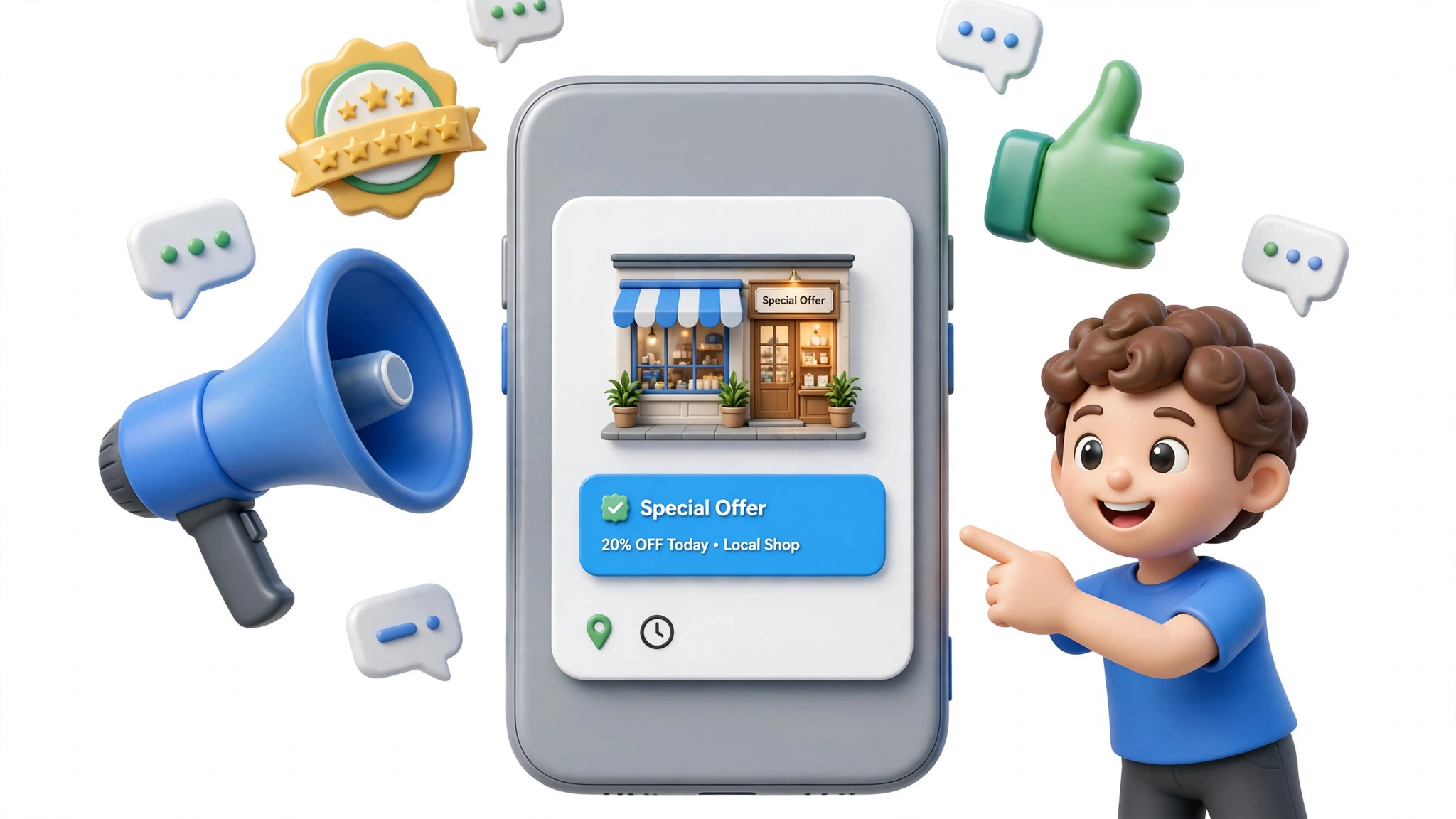
A Google Business Profile post is a short message — text, a photo or video, and a call-to-action button — published on your business listing. Posts appear in your profile on Google Search and Google Maps, where potential customers can see them without visiting your website.

Think of a post as a shop window notice. A restaurant can announce a weekend special. A dentist can promote free initial consultations. A plumber can share a seasonal maintenance tip with a “Call now” button attached.

Posts used to be called “Google My Business posts,” so you will still see that name in older guides. It is the same feature with a new name.

The 4 Types of Posts

Google offers four post types. Choosing the right one matters because each type displays differently.

What’s New

The general-purpose post. Use it for announcements, news, tips, new services, or behind-the-scenes updates. These posts typically disappear from your profile after about 7 days, so they are meant for timely content.

Offers

For discounts, coupons, and special deals. You add a title, the offer details, and start and end dates. Offers stay visible until the end date passes, which makes them the longest-lasting post type.

Events

For scheduled happenings — workshops, open days, webinars, seasonal sales. You set the event dates, and the post stays up until the event ends.

Products

For showcasing individual products with a name, price, description, and photo. Product posts remain on your profile longer than What’s New posts, making them useful as a small catalogue.

How to Create a Post in 6 Steps

  1. Sign in to the Google account that manages your Business Profile, then search for your business name on Google.

  2. Open your profile panel. You will see options like “Edit profile” and “Add update.” Click “Add update” (on mobile, the Google Maps app shows a “Posts” option).

  3. Choose a post type — What’s New, Offer, Event, or Product — based on what you want to communicate.

  4. Add a photo or video. A real photo of your business, product, or team performs far better than a stock image. Google recommends images around 1200 x 900 pixels (4:3 ratio).

  5. Write your text. Keep it short — aim for 150 to 300 characters. Say what the offer or news is, who it is for, and what to do next.

  6. Add a call-to-action button (Book, Order online, Buy, Learn more, Sign up, or Call now) and publish. Your post usually appears on your profile within minutes.

What to Write: 7 Practical Rules

1. Lead with the useful information. “Free AC check-up this Saturday — book by Friday” beats “We are excited to announce...” in every test that matters.

2. One post, one message. Don’t combine a new service launch, a discount, and a hiring notice into a single post. Each deserves its own post with its own button.

3. Use the CTA button properly. If the post promotes bookings, use “Book.” If it shares information, use “Learn more.” A mismatched button confuses people and wastes the click.

4. Show a real photo. Listings with real business photos get noticeably more engagement than those with generic images. A quick phone photo of the actual offer, product, or team member is enough.

5. Include the basics in the text. For offers: what it is, the price or discount, and the deadline. For events: what, when, and where. Assume the reader sees only your post, not your whole profile.

6. Write for the reader, not for Google. There is no need to stuff keywords into posts. Natural language describing your actual offer reads better and avoids policy problems.

7. Proofread before publishing. Posts are public and appear in search results. A typo in a 40-word post is far more visible than one buried on page six of your website.

How Often Should You Post?

Aim for at least one post per week. That rhythm keeps your profile looking active without becoming a chore. Businesses running promotions or events can post more often — two or three times a week is fine when you have something genuine to say.

What matters more than frequency is consistency. A profile with a fresh post every week looks alive; a profile whose newest post is from eight months ago looks neglected. If you struggle to keep up, plan a month of posts in one sitting and publish them week by week.

Do Posts Improve Your Local Rankings?

Honest answer: posts are not a confirmed direct ranking factor. Publishing posts will not, by itself, move you from position 12 to position 3 in the map pack.

What posts do affect is everything that happens after someone finds you. An active profile with current offers and updates earns more clicks, calls, and direction requests than a bare one. That engagement is good for business even if its ranking effect is indirect. Posts also keep your profile content fresh, which Google clearly values for local listings.

Treat posts as a conversion tool, not a ranking trick. They turn profile views into enquiries — and that is where their real value lies. For the broader ranking picture, they work best alongside solid local SEO: accurate business information, genuine reviews, and a well-optimized website.

Common Mistakes to Avoid

  • Posting once and stopping. A single post from last year signals inactivity. Either commit to a schedule or don’t start.

  • Using stock photos for everything. Searchers can tell. Real photos of your business build more trust.

  • Ignoring Google’s content policies. Posts promoting prohibited content, containing phone numbers in the text, or using excessive capitalization and gimmicky characters can be rejected. Keep it clean and straightforward.

  • Forgetting the call-to-action. A post without a button leaves the reader with nowhere to go. Always give them a next step.

  • Duplicating the same post repeatedly. Republishing identical content looks spammy. Vary the angle, photo, or offer each time.

Conclusion

Google Business Profile posts are one of the simplest free tools a local business has. They take ten minutes to create, appear where your customers are already looking, and directly support calls, bookings, and visits. The formula is straightforward: post weekly, show real photos, write one clear message, and always include a call-to-action.

If managing posts, reviews, and profile updates feels like a second job on top of running your business, get in touch with Webastr — our local SEO team handles the whole profile so it keeps working while you work.
Frequently Asked Questions

What's New posts typically disappear after about 7 days. Offers and Events stay visible until their end dates pass, and Product posts remain on your profile longer.

Google recommends images around 1200 x 900 pixels (a 4:3 ratio). Use real photos of your business, products, or team rather than stock images.

Posts are not a confirmed direct ranking factor. Their real value is conversion: an active profile with current posts earns more clicks, calls, and direction requests.

Google doesn't offer built-in post scheduling, so most businesses publish posts manually each week or use a third-party profile management tool.

Usually because of a content policy violation — prohibited content, a phone number in the post text, or gimmicky formatting like excessive capitalization. Keep posts clean and straightforward.

More From The Blog

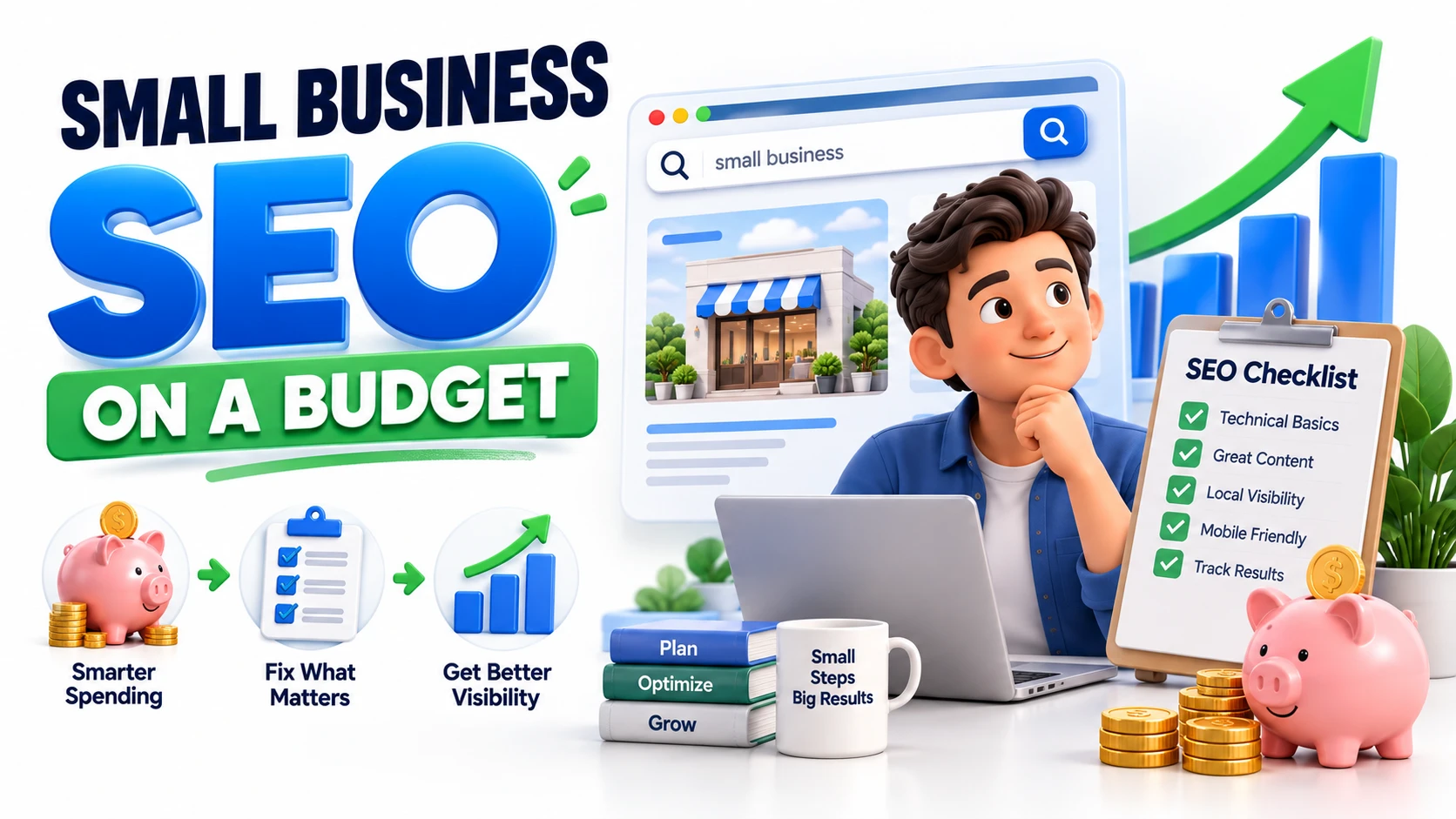
Small Business SEO on a Budget: What to Fix First for Better Visibility September 14, 2026

Small Business SEO on a Budget: What to Fix First for Better Visibility

You don't need a huge marketing budget to improve your website's visibility on Google.What you need is the right order of priorities.Many small businesses spend money on expensive SEO tools, create lots of content, or target highly competitive keywords before fixing the basics. That can quickly consume a limited budget without producing meaningful results.A smarter approach is to identify the biggest opportunities, fix the fundamentals, measure what changes, and then decide where to invest next.1. Why Small Businesses Struggle With SEOSEO can feel complicated when you're running a business and handling everything from customers to sales.The problem isn't always a lack of effort. Often, businesses simply don't know which SEO tasks deserve attention first.Common challenges include:Limited marketing budgetsStrong local competitionLack of SEO knowledgeToo many tools and recommendationsTargeting keywords that are too competitiveCreating content without a clear strategyFocusing on traffic instead of business resultsYou don't have to solve everything at once.Start with the improvements that can make the biggest difference.2. What You Can Improve Before Spending MoneyBefore buying an SEO platform or hiring outside help, look at what you can improve on your existing website.Start with:Clear page titles and headingsUseful and relevant contentEasy website navigationStrong internal linkingMobile-friendly pagesUpdated service or product informationAccurate local business informationAlso check whether your important pages can be discovered and indexed by search engines.These basic improvements can uncover problems that don't require a large budget to fix.3. The 7 SEO Issues to Check First1. IndexingMake sure important pages can be discovered and indexed by search engines.Google Search Console can help you identify indexing issues and understand which pages are appearing in search.2. Page Titles and DescriptionsYour page title should clearly explain what the page is about.Avoid filling titles with multiple variations of the same keyword. Write for the person who will see the result in search.3. Search IntentThink about what customers actually want when they search.Someone searching for “SEO services for small business” has a different goal from someone searching “how does SEO work?”Your page should satisfy the purpose behind the search.4. Website StructureImportant pages shouldn't be buried several clicks deep.Make it easy for visitors to move between your homepage, services, products, useful content and contact page.5. Internal LinksInternal links connect related pages and help visitors discover useful information.For example, a helpful article can naturally guide a reader toward a relevant service page.If you're dealing with broader ranking problems, see our guide on Why Your Website Isn’t Ranking on Google for a deeper look at common SEO issues.6. Local VisibilityIf you serve customers in a specific area, review your local presence.Make sure your business information, services, location details, opening hours and other important information are accurate.7. Mobile ExperienceYour website should be easy to use on smaller screens.Check menus, buttons, forms, images, text size and page loading on mobile devices.4. Where Small Businesses Waste Their SEO BudgetA small SEO budget can disappear quickly when it's spent without a clear strategy.Common mistakes include:Buying tools you rarely usePublishing large amounts of low-quality contentChasing highly competitive keywords too earlyPaying for poor-quality backlinksFocusing only on website trafficPaying for services without clear goals or measurementBefore spending money, ask:What problem am I trying to solve?If you don't know the answer, spending more probably won't solve the underlying issue.5. Free SEO Tools Worth UsingYou can learn a lot about your website without immediately paying for an expensive SEO platform.Google Search ConsoleUse it to understand search queries, impressions, clicks and the pages receiving visibility in Google Search.Google AnalyticsUse analytics data to understand how visitors interact with your website and whether your traffic is contributing to meaningful actions.Google Business ProfileFor local businesses, keep your profile accurate and up to date with the correct business information, services, hours and other relevant details.6. When Paid SEO Tools Actually Make SensePaid SEO tools can become useful as your SEO work grows.They may help with:Keyword researchCompetitor analysisRank trackingBacklink researchTechnical auditsContent planningLocal search trackingBut don't buy a tool simply because other businesses use it.Choose it because it solves a specific problem you actually have.For a small website, a few reliable free tools may be enough to identify your next priorities.7. What to Fix First: A Simple Priority ChecklistWhen your budget is limited, follow this order:1. Check indexing and accessibilityMake sure important pages can be discovered.2. Improve important pagesStart with services, products and location pages that can generate business.3. Review search intentMake sure your pages answer what potential customers are actually looking for.4. Improve website structure and internal linksHelp users and search engines discover important pages.5. Strengthen local visibilityPrioritize this if your business depends on local customers.6. Improve mobile experienceMake your website easy to use on phones.7. Invest where the data shows an opportunityOnly increase your SEO spending when you know what needs improvement.8. DIY SEO vs Professional SEO HelpBasic SEO can be handled internally when you have the time and knowledge.Professional help becomes more useful when SEO problems are difficult to diagnose, your website is growing, competitors are gaining visibility, or you don't have enough time to manage SEO consistently.The decision shouldn't simply be based on company size.Consider complexity, available time, competition and potential business value.9. How to Know When Your SEO Needs Professional AttentionProfessional SEO support may make sense when:You can't determine why visibility isn't improving.Technical issues keep appearing.Multiple pages compete for similar searches.You need a structured SEO strategy.Your competitors consistently outperform you.You don't have time to maintain SEO.Organic search is becoming an important source of leads.At this stage, professional SEO services can help turn individual fixes into a structured growth strategy.10. Final SEO Budget ChecklistBefore spending your next SEO budget, ask:✓ Can Google access my important pages?✓ Are my most valuable pages properly optimized?✓ Am I targeting searches relevant to my customers?✓ Is my website easy to navigate?✓ Have I built useful internal links?✓ Is my local information accurate?✓ Does my website work well on mobile?✓ Am I using available search data?✓ Do I really need another paid SEO tool?✓ Would professional SEO help save time or uncover opportunities?Final ThoughtsSmall business SEO doesn't require a massive budget.The key is prioritization.Fix the fundamentals first, improve the pages that matter most, use free data to discover opportunities, and invest more only when you know where that investment can help.A limited SEO budget can still create meaningful growth when every task has a clear purpose.

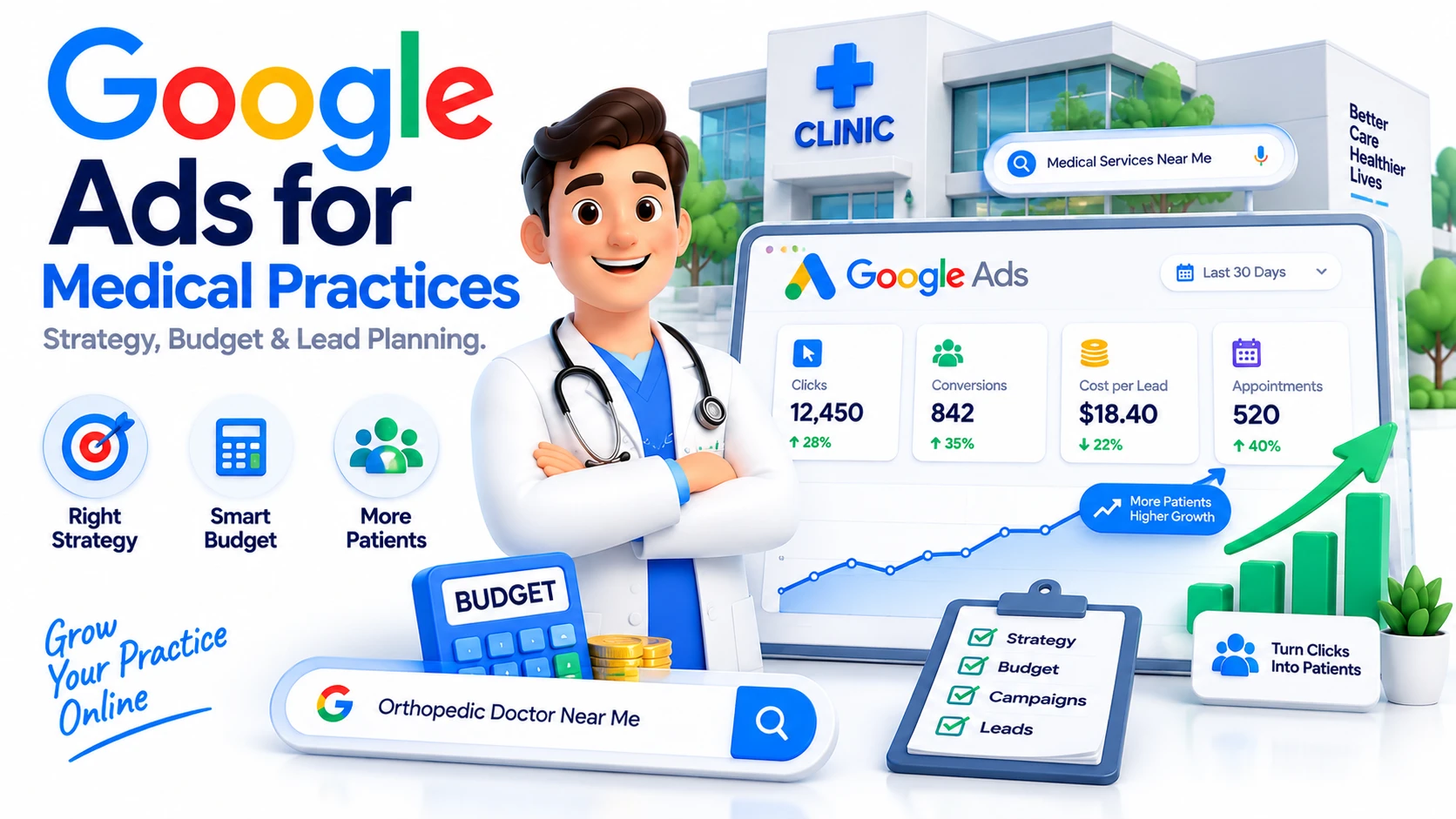
Google Ads for Medical Practices: Campaign Strategy, Budget & Lead Planning September 13, 2026

Google Ads for Medical Practices: Campaign Strategy, Budget & Lead Planning

For a medical practice, showing up when someone is actively looking for a doctor or healthcare service can be valuable. But paying for clicks does not automatically produce appointments.A successful campaign needs a clear objective, relevant search terms, well-structured ads, a useful landing page, accurate conversion tracking, and ongoing optimization.This guide explains how medical practices can plan their paid search campaigns, decide where to spend, and focus on enquiries that have genuine business value.How Google Ads Works for Medical PracticesThe basic journey looks like this:Google Search → Ad → Relevant Page → Enquiry or BookingA person searches for a service, sees a sponsored result, visits the website, and decides whether to call, complete a form, or book an appointment.The key is matching the message to the person's reason for searching. Someone looking for a nearby specialist should not be sent to a page filled with unrelated services.For a broader explanation of paid search, see our guide to Google Pay-Per-Click advertising.Building a Google Ads Strategy for DoctorsBefore creating campaigns, decide what a successful month looks like.For one practice, the priority may be new consultation bookings. Another may care more about phone enquiries for a particular specialty.Start by identifying:The services you want to promoteThe locations you serveThe type of patient you want to reachThe action you want visitors to takeThe budget available for testing and growthIt is usually better to begin with a focused set of services than spread the budget across everything the practice offers.Choosing the Right Search TermsGood paid search starts with understanding what people actually type into Google.Consider the difference between:“what causes back pain”and“physiotherapist near me”The first may indicate someone looking for information. The second is much closer to a local service decision.Location can also make a major difference. Searches such as “dentist in [city]”, “cardiologist near me”, or “private clinic [location]” can provide stronger commercial signals than broad healthcare terms.Campaigns should also be reviewed after launch. Search-term data can reveal irrelevant queries that should be excluded as negative keywords and useful searches that deserve closer attention.Structuring Campaigns for a Medical PracticeA simple structure helps keep the account manageable.CampaignExample FocusMain ObjectiveGeneral servicesConsultationsEnquiriesSpecialist servicesSpecific specialtyAppointmentsHigh-value servicesSelected proceduresQualified leadsLocal searchesNearby patientsCalls or bookingsKeep closely related services together and avoid mixing unrelated themes into the same ad group. This makes it easier to keep the search, advertisement, and landing page aligned.Optimizing Google Ads for Doctors in 2026Launching a campaign is only the beginning.Performance should be evaluated using business outcomes, not clicks alone. Look at conversion rate, cost per lead, search terms, lead quality, and appointment outcomes.Conversion tracking is particularly important because it helps distinguish traffic from actions that matter to the practice.A campaign generating many clicks but very few enquiries may need a different keyword mix, better ad messaging, or a more relevant landing page.A campaign with fewer clicks can be much more valuable when those visitors are more likely to become patients.How Much Should a Medical Practice Spend?There is no universal budget for healthcare advertising.Costs depend on factors such as:LocationCompetitionService demandSearch volumeAverage click costConversion rateValue of a new patientA basic planning calculation is:Estimated Leads = Monthly Ad Budget ÷ Estimated Cost Per LeadFor example, a $2,000 budget at an estimated $100 cost per lead would suggest roughly 20 leads. It is a planning model, not a promise of results.A sensible process is:Test → Measure → Improve → ScaleFirst find out which services and searches are producing worthwhile enquiries. Then put more budget behind the areas that demonstrate potential.Turning Ad Clicks Into Patient EnquiriesEven a well-targeted campaign can struggle when the website experience is poor.A landing page should make the next step obvious. Visitors should quickly understand what the practice offers, where it is located, who provides the service, and how to make contact.Use clear calls to action such as:Book an AppointmentCall the PracticeRequest a ConsultationMake the experience easy on mobile devices as well as desktop screens.The landing page should also support the promise made in the ad. Sending a person searching for one specific service to a generic homepage can create unnecessary friction.Common Mistakes Medical Practices MakeMany campaigns lose efficiency because of simple setup or management problems.Common examples include targeting overly broad searches, ignoring negative keywords, using generic advertisements, sending traffic to unrelated pages, and failing to measure actual enquiries.Another mistake is judging a campaign purely by the number of clicks.For a medical practice, the more useful question is:“Are these visitors becoming relevant enquiries and appointments?”Healthcare Advertising Policies MatterHealthcare advertising has additional restrictions. Google states that some healthcare-related products and services cannot be advertised, while others can only be promoted in certain locations or after meeting specific approval requirements. Advertisers must also follow applicable local laws and regulations.Policies can also change by market. For example, Google's April 2026 update introduced specific country requirements concerning prescription-drug services in India.Practices should therefore review the current policy requirements for their service and target location before launching a campaign.When Google Ads Makes Sense for a Medical PracticePaid search can be useful when a practice:Wants faster visibility for selected servicesServes an area with measurable search demandHas capacity to handle new enquiriesCan track calls, forms, or bookingsIs prepared to optimize campaigns over timeAdvertising works best when it is part of a larger acquisition system rather than treated as a simple source of website traffic.A Practical Plan for Your Next CampaignStart with a small group of important services. Research relevant searches, organize campaigns around clear themes, write specific advertisements, and send each campaign to an appropriate page.Then measure what happens after the click.Searches → Clicks → Enquiries → AppointmentsThat final journey is what should guide budget decisions.Final ThoughtsGoogle Ads for medical practices is not simply about getting your clinic in front of more people. The goal is to reach relevant searchers, provide a useful experience, and turn suitable traffic into genuine enquiries.A focused strategy, controlled budget, accurate tracking, and regular optimization can give a practice a much clearer view of where its advertising investment is working.When campaign structure, targeting, ads, landing pages, and measurement are handled together, paid search becomes much easier to evaluate and improve.For practices that need help planning and managing campaigns, online advertising services can provide a structured approach to targeting, optimization, and lead generation.

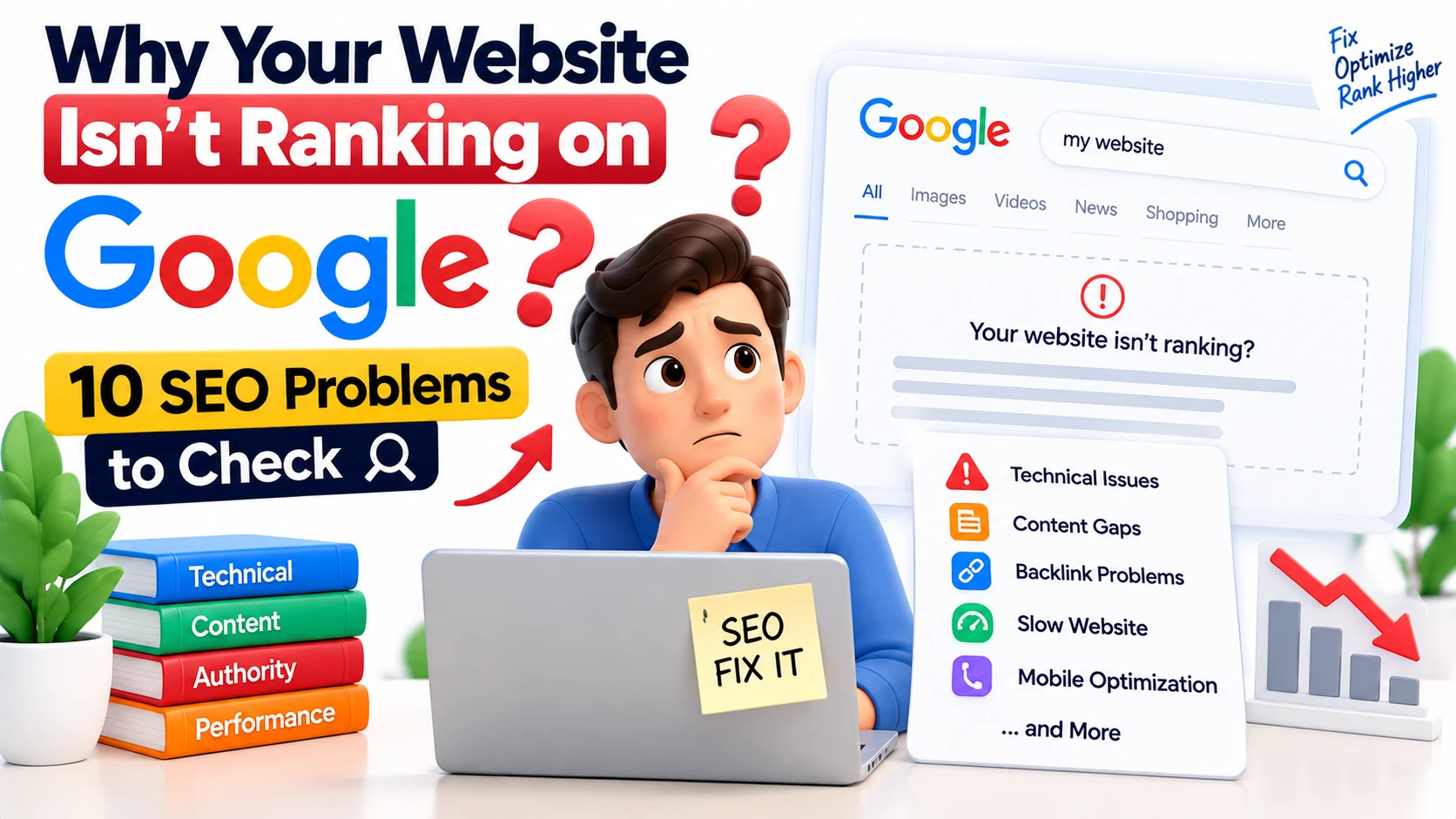
Why Your Website Isn't Ranking on Google: 10 SEO Problems to Check August 25, 2026

Why Your Website Isn't Ranking on Google: 10 SEO Problems to Check

If your website isn't appearing on Google, don't immediately assume you need more backlinks, more content, or more keywords.The real problem could be much simpler.Your page might not be indexed. Google might not understand the page's purpose. Your content might not match what people are searching for. Or several pages on your website could be competing for the same search intent.This guide covers 10 SEO problems worth checking before you make major changes to your website.1. Your Page Isn't IndexedThe first question is simple:Can Google actually find and index your page?A page can be live on your website without appearing in Google's index.Use Google Search Console to inspect important URLs and check their indexing status.Look for:URL indexing statusnoindex directivesCrawl errorsCanonical URLsRobots restrictionsSearch visibilityDon't optimize an invisible pageIf Google isn't indexing your page, rewriting the title or adding more keywords won't solve the underlying problem.Check indexing first.2. Google Can't Crawl Your Website ProperlyGoogle needs to crawl your website to discover and understand its pages.Problems such as broken links, server errors, incorrect redirects, or blocked resources can interfere with crawling.Check these areas:robots.txtInternal linksServer response codesRedirectsXML sitemapImportant pages with no links pointing to them3. Your Page Doesn't Match Search IntentThis is one of the biggest reasons a page can struggle.Consider:"What is SEO?"The searcher wants information."SEO services"The searcher may be looking for a provider."How to improve SEO?"The searcher wants instructions.These searches are related, but the ideal content isn't identical.Before optimizing a page, ask:What does the person searching this actually want?Then make sure your page gives them that answer.4. Your Content Doesn't Provide Enough ValueMore words don't automatically mean better SEO.A 700-word article that solves a problem can be more useful than a 3,000-word article full of repetition.Review your content and ask:Does it answer the main question?Does it explain the topic clearly?Does it provide examples?Does it contain useful information?Does it offer something beyond generic advice?Is the information accurate and current?Google's people-first content guidance focuses on creating helpful, reliable content for people rather than producing content primarily to manipulate search rankings.The reader testRead your article as a potential customer.Ask:"Did I actually learn something useful here?"If not, improve the information not simply the word count.5. Your Internal Linking Is WeakYou may already have good content on your website but your pages aren't connected properly.For example:Helpful blog → Relevant service → Contact pageThat's a natural user journey.If you're explaining technical SEO problems, you can naturally direct readers to Webastr's technical SEO services when professional help becomes relevant.Good internal links should:Make sense in the paragraphHelp the readerDescribe the destinationUse natural anchor textConnect related topicsDon't add links simply because you want to insert keywords.6. Your Website Has Technical SEO ProblemsSometimes your content is perfectly fine.The problem is technical.Common issues include:Incorrect canonical tagsDuplicate URLsBroken pagesRedirect chainsIncorrect status codesAccidental noindexXML sitemap problemsPoor site architectureOrphan pagesCanonical URLs deserve special attentionIf multiple URLs contain similar content, Google may select one URL as the representative version.Don't add canonical tags randomly.First understand which pages are duplicates or substantially similar and which URL should be treated as the preferred version.7. Your Website Is Slow or Difficult to UseGetting someone to click your result is only the beginning.If the website takes too long to load or is difficult to use on mobile, the visitor may leave before finding what they need.Google's Core Web Vitals include:MetricMeasuresLCPLoading performanceINPResponsivenessCLSVisual stabilityCheck your website for:Large imagesSlow scriptsMobile usability problemsLayout shiftsSlow server responseUnnecessary third-party resources8. You're Targeting the Wrong KeywordsNot every keyword with search volume is a good keyword for your business.For example, a local SEO agency may want to rank for:SEOBut that's extremely broad.A more focused strategy could target searches such as:SEO services for small businesseslocal SEO servicestechnical SEO servicesSEO services in SydneyThe right choice depends on your audience, location, competition, search intent, and business objectives.Before choosing a keyword, ask:Is it relevant?What is the searcher's intent?Can this page satisfy the search?Could this search bring a potential customer?Do I already have another page targeting the same intent?9. Your Pages Are Competing With Each OtherCreating more pages isn't always the solution.Imagine creating separate pages for:SEO servicesBest SEO servicesProfessional SEO servicesTop SEO servicesSEO services companyIf all of them satisfy essentially the same search intent, you're creating unnecessary overlap.Before creating a new page, ask:Does this topic represent a genuinely different search need?If not, strengthening the existing page may be a better strategy.Think in terms of page purposeService page:Helps people understand and purchase a service.Informational blog:Answers a specific question.Supporting blog:Explains a related problem or process.Clear page purposes make your website easier to manage and reduce unnecessary keyword overlap.10. Your Competitors May Simply Have a Better ResultSometimes nothing is technically broken.Your page is indexed.Google can crawl it.Your content is reasonable.But another website still ranks higher.Why?Because the competing page may provide a better overall answer.Compare the ranking pages for your target search.Look at:Search intentContent structureInformation depthExamplesOriginal insightsTrust signalsInternal linksUser experienceTopical coverageDon't simply copy what competitors have.Ask:"What would make my page more useful to the person searching?"That's where meaningful SEO improvements usually begin.The 10 SEO Problems at a GlanceProblemWhat to CheckPriorityIndexingSearch ConsoleHighCrawlingRobots, links, serverHighSearch intentGoogle resultsHighContentUsefulness and coverageHighInternal linksContextual linksMediumTechnical SEOCanonicals, redirectsHighPage experienceSpeed and mobile UXMediumKeywordsKeyword-to-page mappingHighPage overlapSearch intent conflictsHighCompetitionRanking pagesHighHow an SEO Professional Would Diagnose ItA professional SEO process shouldn't start with:"Let's add more keywords."It should start with:"Let's find out what is actually preventing this page from performing."Step 1: Check Search ConsoleLook at:ImpressionsClicksCTRQueriesPagesIndexingStep 2: Check important URLsStart with pages that can generate business.Step 3: Check technical SEOLook at crawling, indexing, redirects, canonicals and site structure.Step 4: Study search intentSearch the target query and understand what Google is currently showing.Step 5: Improve the contentMake the page clearer, more useful and more relevant.Step 6: Strengthen internal linksConnect relevant informational content to important commercial pages.Step 7: Compare competitorsIdentify genuine content and experience gaps.Step 8: PrioritizeDon't fix 100 things at once.Find the highest-impact problem first.Don't Just Chase Rankings Look at LeadsThis is especially important for service businesses.Imagine your website gets thousands of visitors but almost no enquiries.Is that successful SEO?Not necessarily.A better SEO journey looks like:Search → Click → Relevant Page → Trust → Contact → LeadYour website should make it easy for the right visitor to understand your service and take the next step.If you're already getting traffic but not enough enquiries, the problem may be your conversion journey, not simply your rankings.When Should You Consider Professional SEO Help?Professional SEO can be useful when:Your rankings have stopped improvingOrganic traffic is decliningTechnical problems are difficult to diagnoseCompetitors consistently outrank youYour website has many pagesYou target multiple locationsYou target multiple countriesYou don't know which keywords to prioritizeYour content isn't generating enquiriesYour team doesn't have enough SEO expertiseThe goal isn't to hire someone just to "do SEO."The goal is to have someone identify what needs to be done, why it matters, and what should happen first.

Chat with us

Get a Free Audit

We'll review your site and send a custom growth plan - no cost, no obligation.

We'll get back to you within 24 hours. No spam, ever.

Free Consultation

Let's Grow Your Business Together

Get a free, personalized SEO strategy session with our experts — no obligation, no pressure.

  • Free 30-minute strategy call
  • Custom growth roadmap for your site
  • No long-term contracts

Request a Callback

Fill this in and we'll reach out within 24 hours.